Furniture that helps people move, adjust, and work with more comfort.

Furniture that helps people move, adjust,

and work with more comfort.

ergonomic furniture works best when it is planned around real users, not added as an afterthought

Height-adjustable desks and ergonomic tools can be valuable, but only when they fit the way people actually work. MBI helps clients look at the full workstation experience: desk height, chair adjustability, monitor position, keyboard placement, power access, storage, space constraints, and user training.

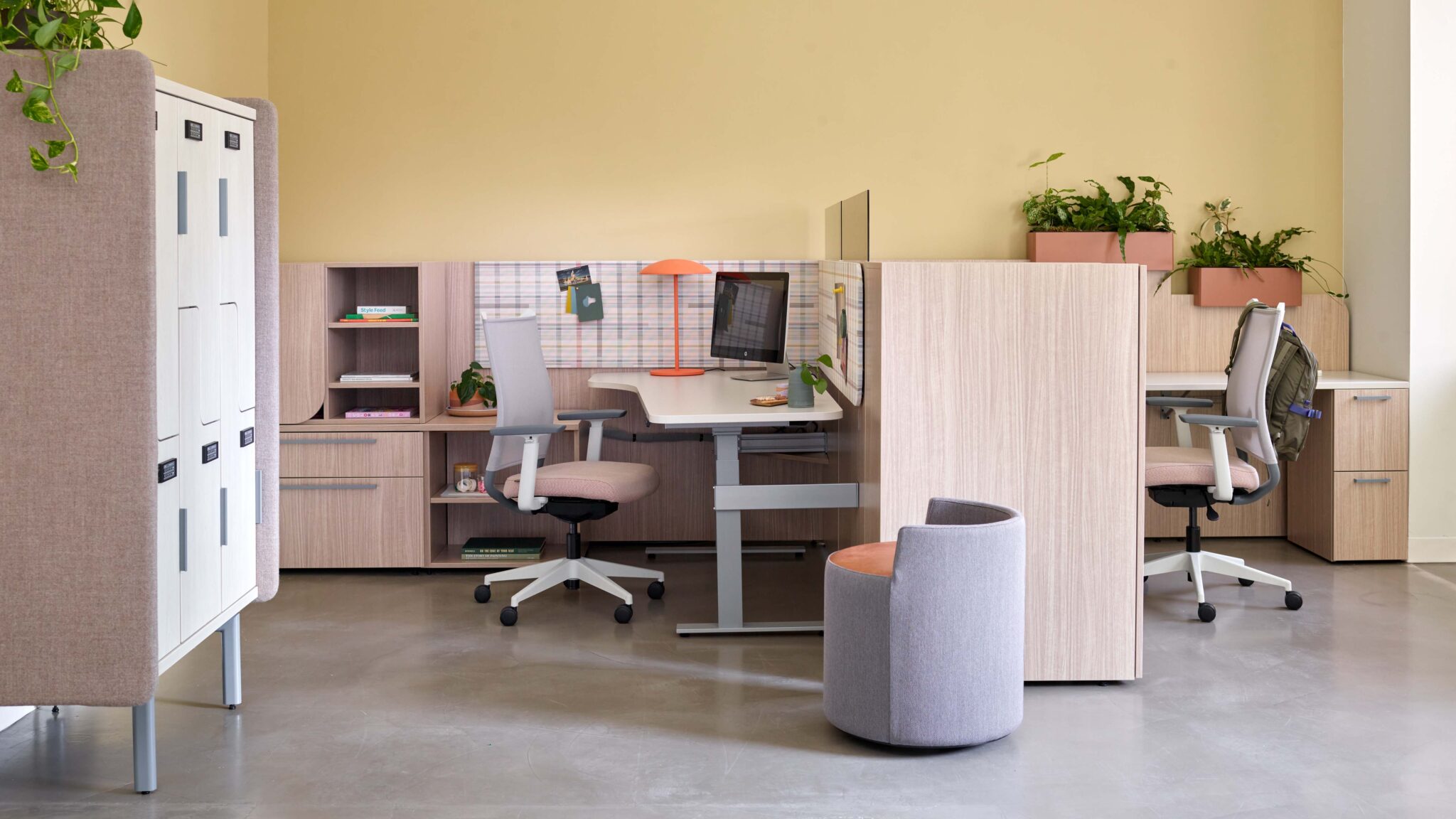
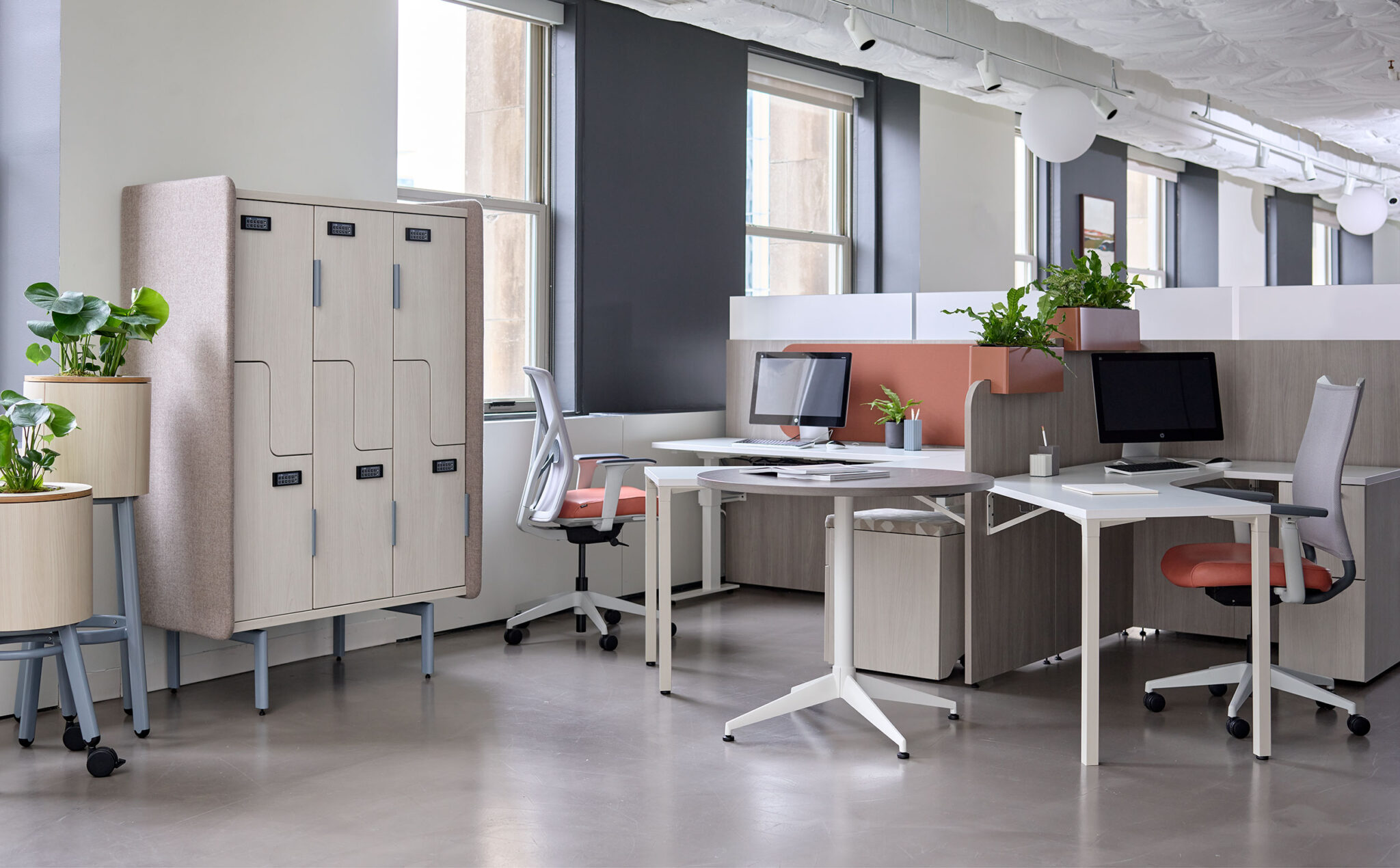
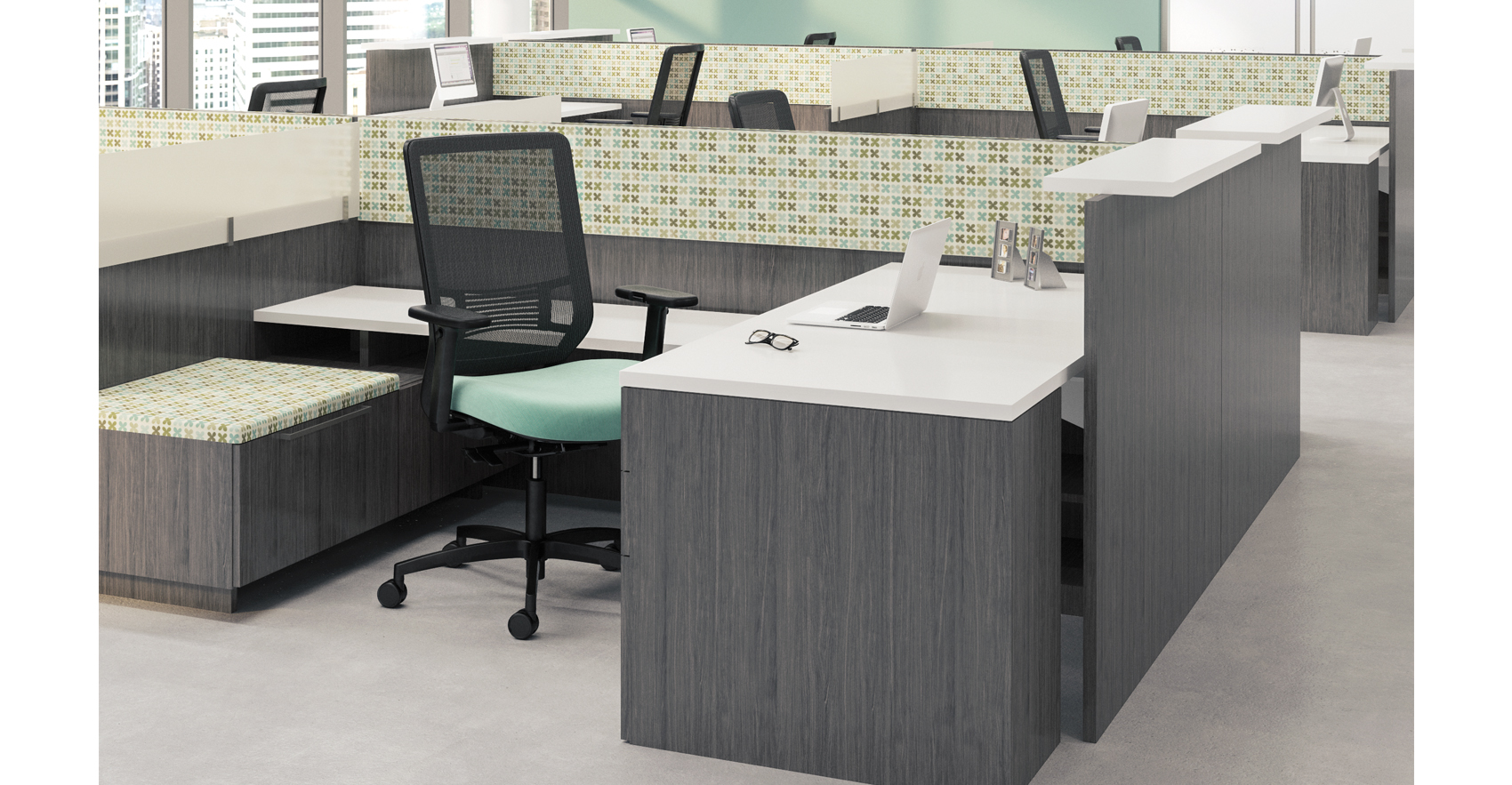
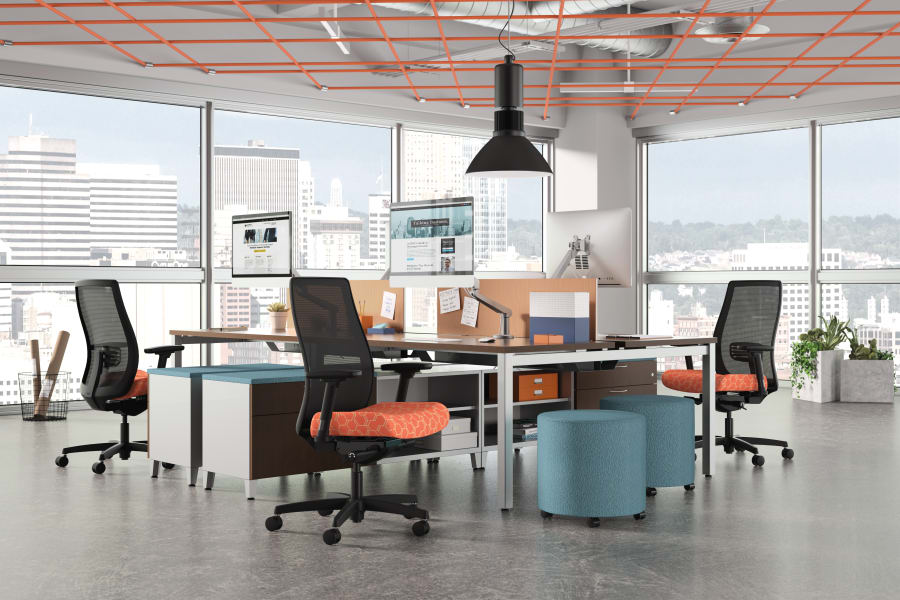
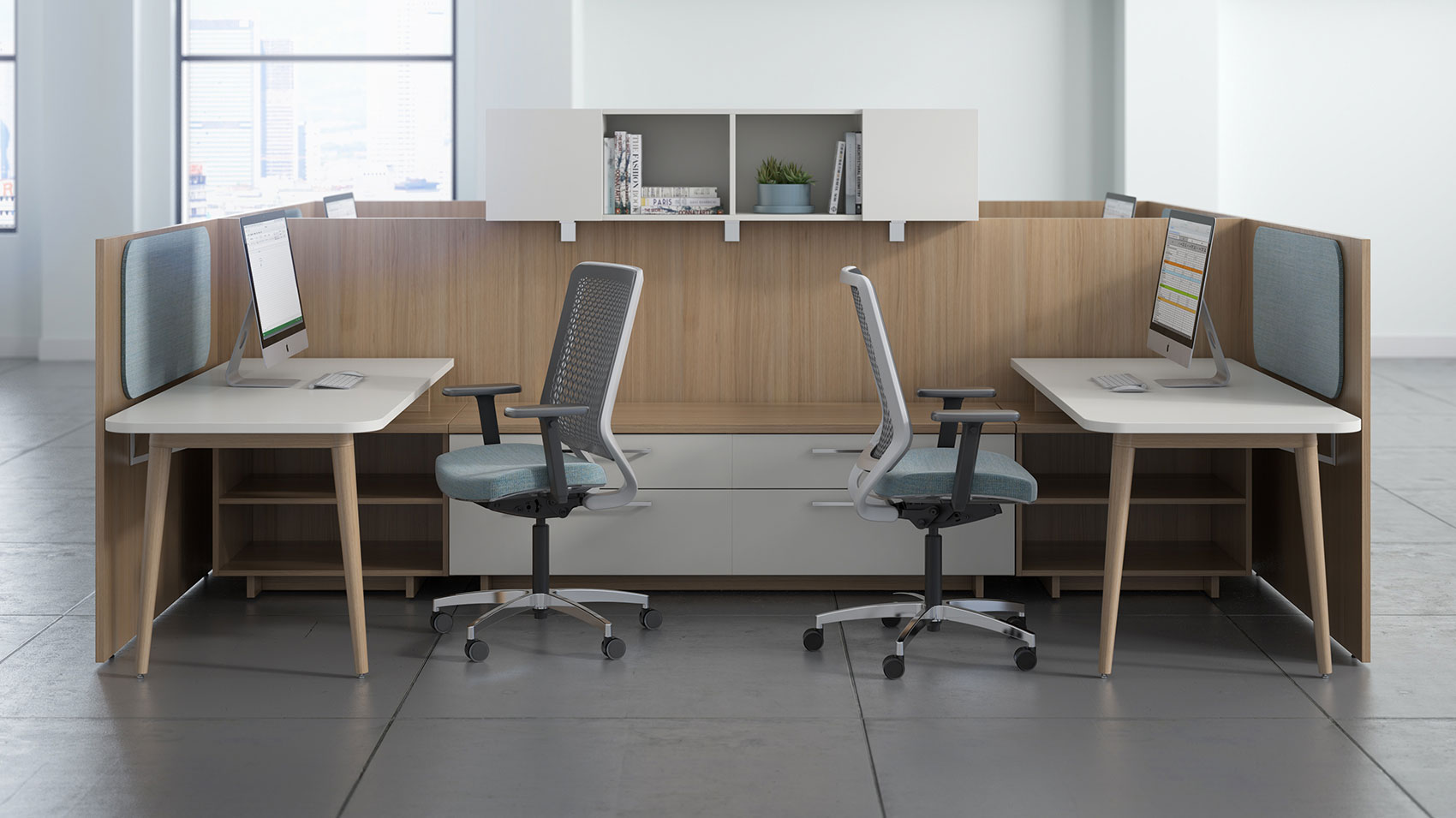
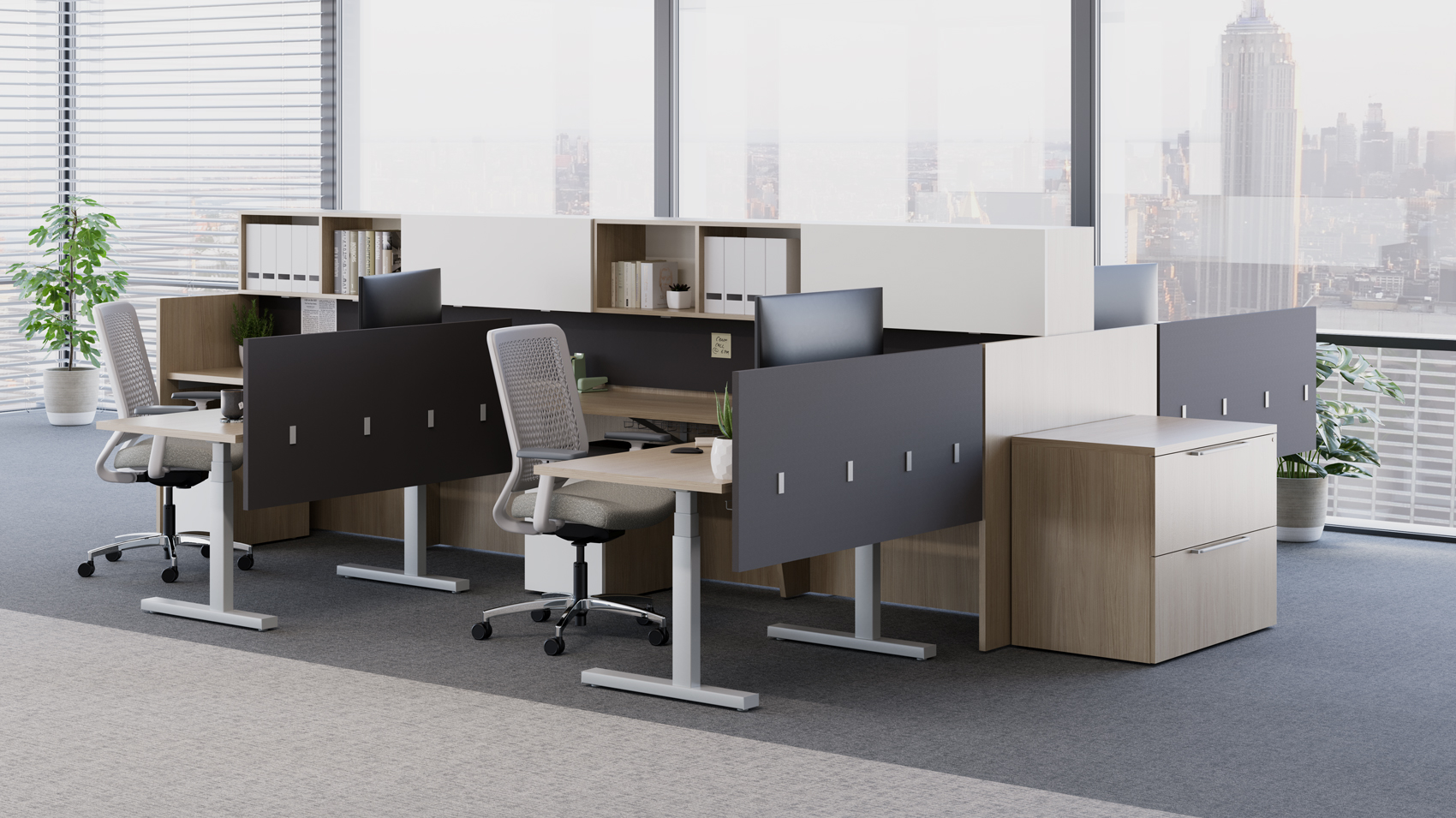
Open workstations with Universal privacy screens, monitor arms, task chairs, and shared storage

01 Your employees need more movement during the day

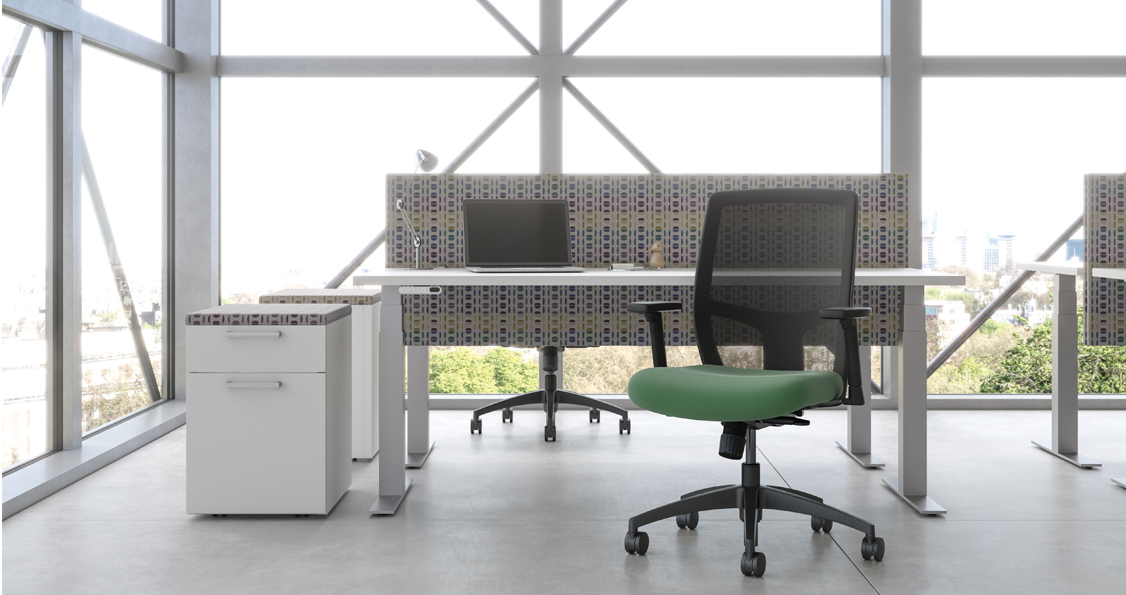
Height-adjustable desks can give users more control over posture and movement. We help determine where sit-stand solutions make sense, whether they should be standard or selective, and how they should be integrated into the broader furniture plan.

02 Your workstations are not supporting different users well

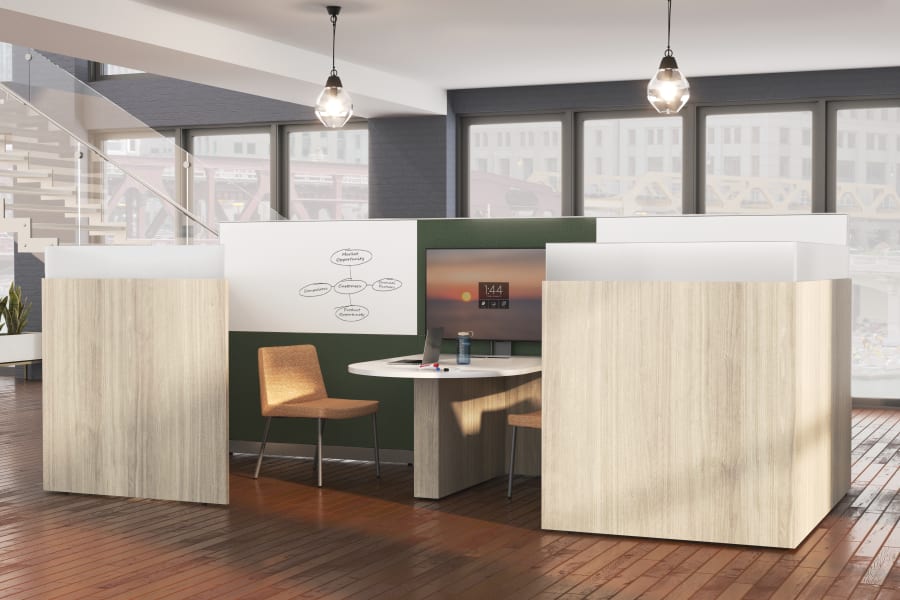
Shared workstations, hybrid work points, and hoteling areas often need furniture that can adjust easily for different people. Our team helps evaluate desks, chairs, monitor arms, and work tools that make shared environments more usable.

03 Your organization wants an ergonomic standard

A clear ergonomic furniture standard can simplify future planning, ordering, replacement, and training. MBI can help define what should be included, what should be optional, and how the standard should apply across departments or locations.

04 Your private offices need better adjustability

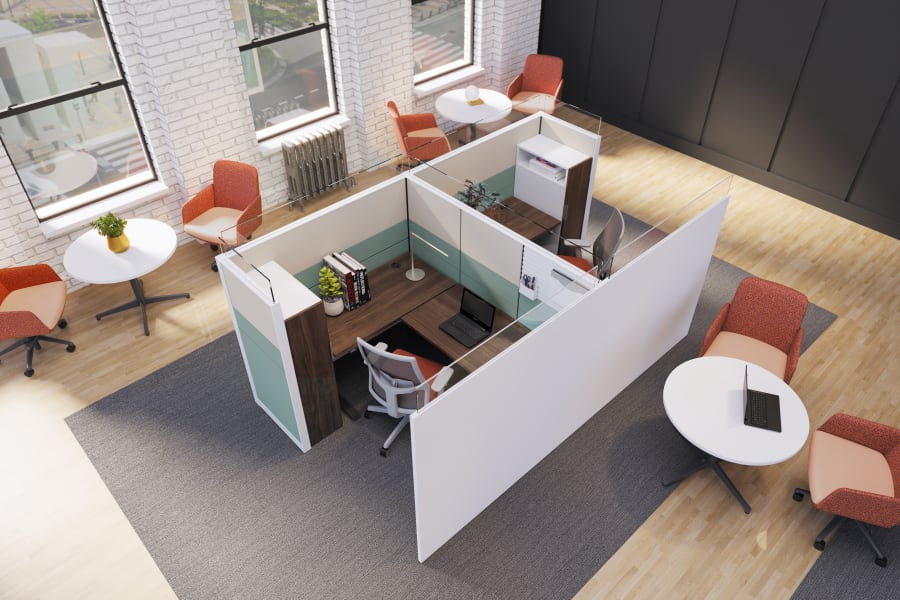
Private offices can still support movement and comfort. Height-adjustable desks, ergonomic seating, and monitor support can be integrated into leadership offices, manager offices, shared offices, and administrative spaces.

05 Your team needs help using the furniture correctly

Providing adjustable furniture is only part of the solution. MBI’s current service content already recognizes the value of user training for height-adjustable desks, ergonomic task chairs, and monitor arms. The new page should make that a visible part of the story.

06 Your furniture needs to support long-term change

Ergonomic needs, team assignments, hybrid work patterns, and office layouts can change over time. Together, we choose products and standards that can be adjusted, reused, expanded, or reconfigured when the workplace evolves.

Ergonomic planning is about the full workstation, not one product.

A height-adjustable desk can help, but it does not solve everything by itself. The best approach looks at the full setup: worksurface, chair, monitor position, keyboard support, lighting, power, storage, privacy, and the way people move through the day.

01

Height-Adjustable Workstations

Give people more control over how they work throughout the day.

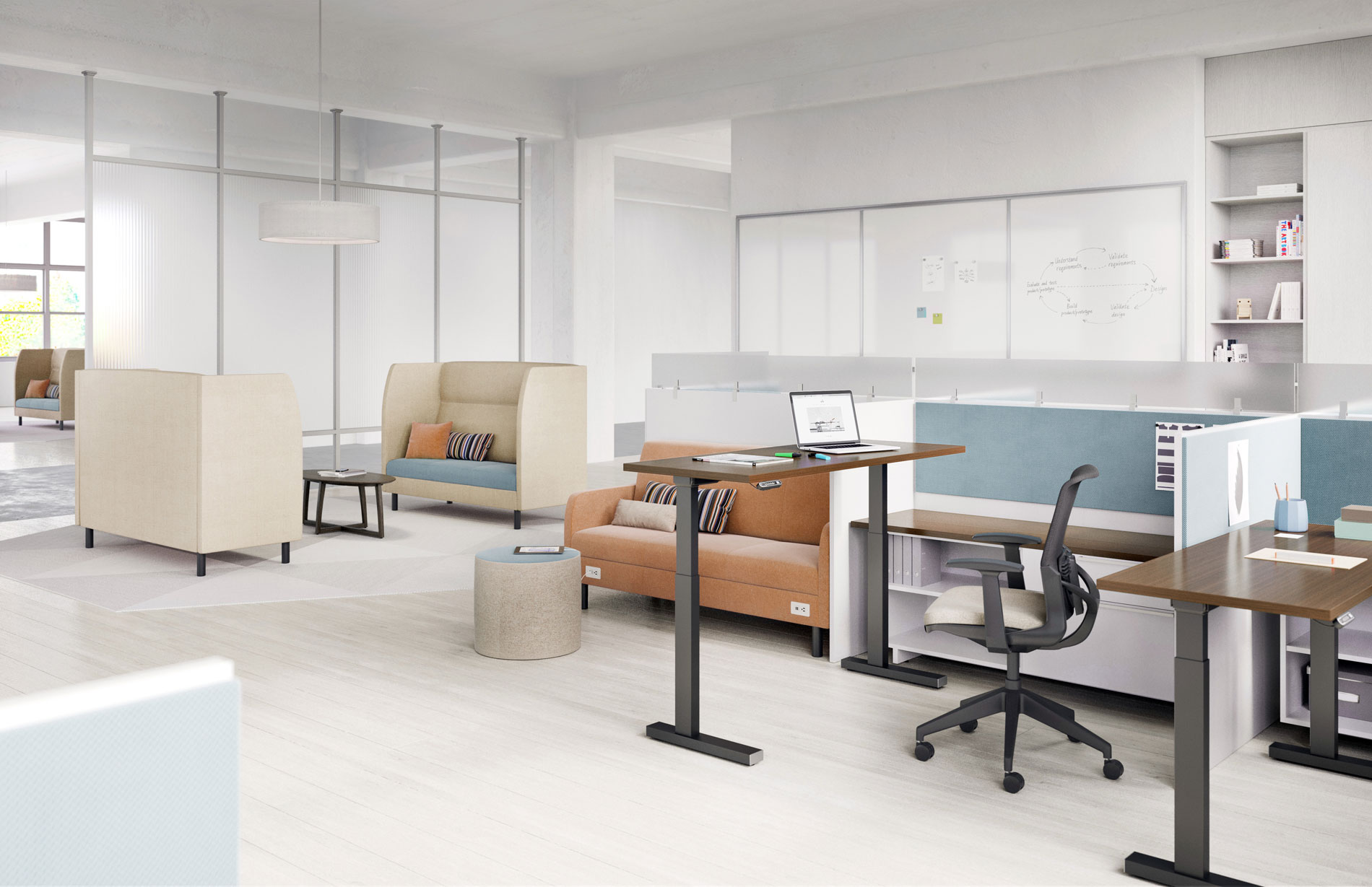
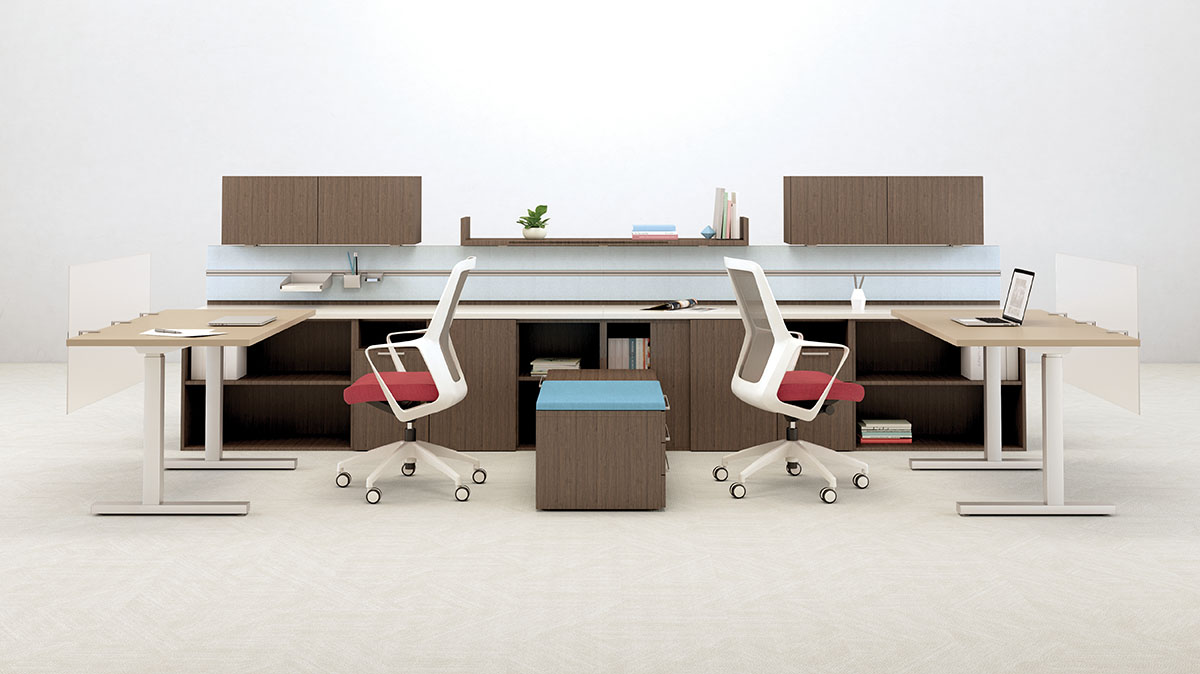
Height-adjustable workstations can support different work styles by allowing users to shift between seated and standing positions. They can be especially useful in assigned workstations, shared work points, private offices, administrative areas, and hybrid environments.

We work with clients to evaluate size, adjustment range, controls, power access, finish options, storage integration, and whether height-adjustability should be standard across the project or applied to specific roles and spaces.

02

Sit-Stand Standards

Make adjustability easier to manage across teams, floors, or locations.

When every height-adjustable decision is handled one-off, projects can become inconsistent and harder to maintain. A sit-stand standard can simplify planning by defining typical desk sizes, base types, controls, finish options, monitor support, and related accessories. MBI helps clients build ergonomic standards that support comfort and movement while still controlling cost, simplifying ordering, and making future additions easier to manage.

03

Ergonomic Seating

Support the chair people use every day.

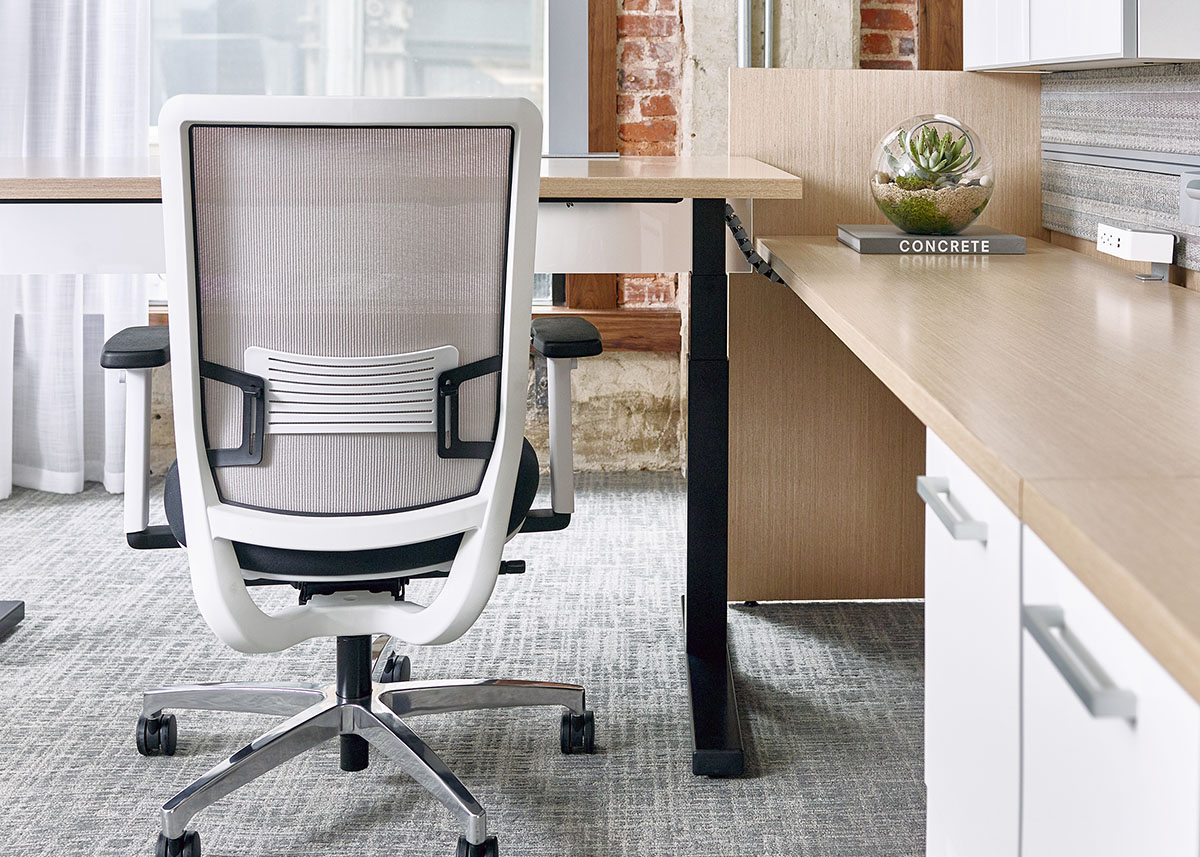
A height-adjustable desk is only one part of the workstation. The task chair still matters. Ergonomic seating should support different users, work habits, adjustability needs, and the amount of time people spend seated. We help evaluate task chairs based on fit, adjustability, durability, comfort, material, arm options, lumbar support, seat depth, and how the chair works with the desk, monitor, and surrounding workstation.

04

Monitor, Keyboard & Work Tool Support

Help the work surface support the way people actually work.

Monitor arms, keyboard trays, laptop support, CPU holders, power access, and cable management can make the difference between furniture that is adjustable in theory and a workstation that is actually usable day to day.

Our team helps determine which tools should be included in the standard, which should be optional, and how accessories should coordinate with the desk, chair, technology, and employee needs.

05

Shared & Hybrid Workstation Ergonomics

Make shared work points easier for different people to use.

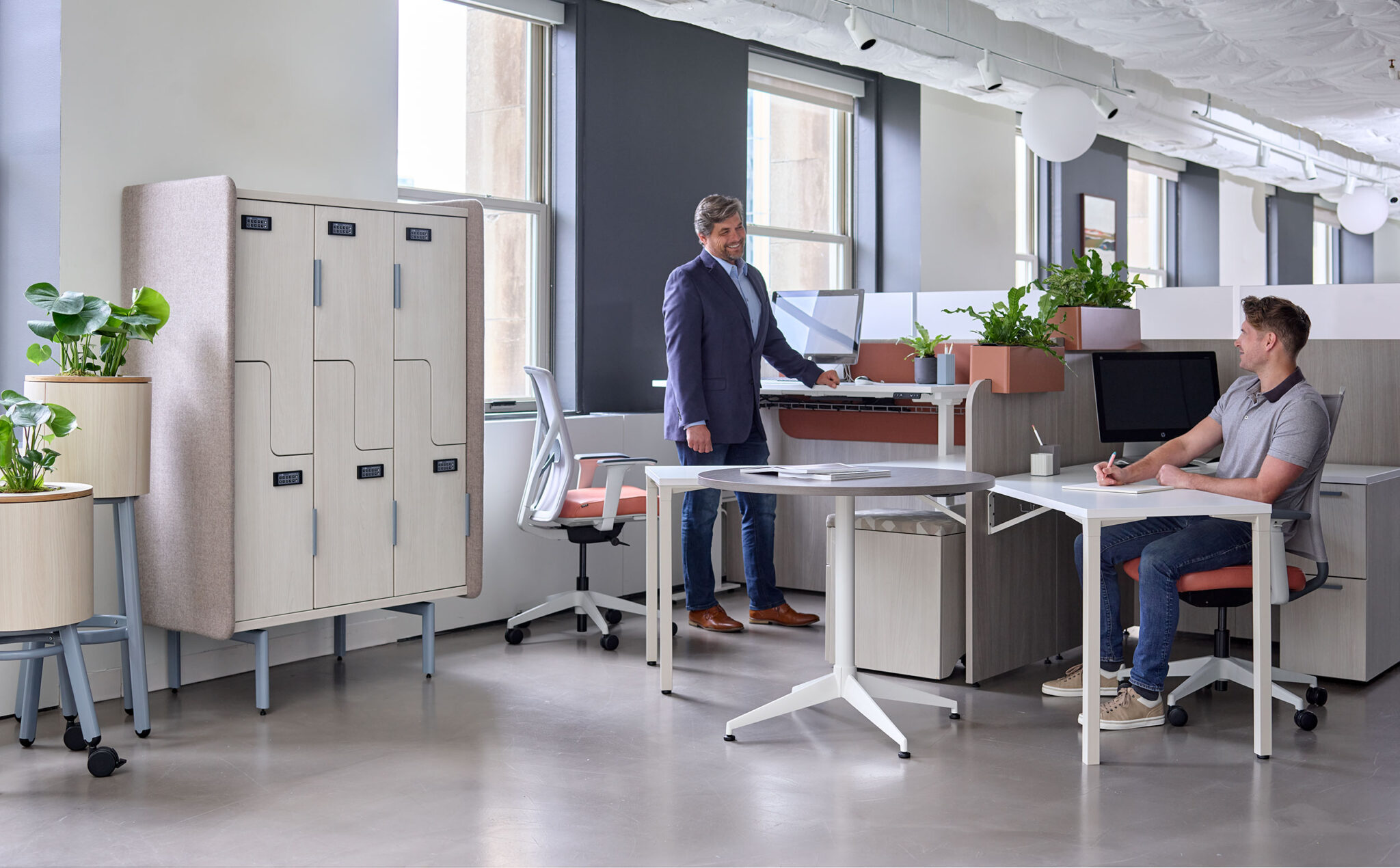
Hybrid and shared workstations often need broader adjustability because multiple people may use the same space. These areas should be easy to adjust, intuitive to use, and simple to reset.

Our approach is to plan shared work points with adjustable desks, seating, monitor support, storage, power access, and user-friendly layouts that support flexibility without creating confusion.

06

Ergonomic Training & User Support

Help people understand how to use what they have.

Adjustable furniture only works if people know how to adjust it. User training can help employees understand desk controls, chair adjustments, monitor positioning, and other basic setup practices.
 

The right ergonomic solution depends on the person, the workstation, and the standard.

MBI works with manufacturer partners that support a range of height-adjustable and ergonomic furniture needs. The goal is not to simply choose a sit-stand desk. The goal is to identify the right mix of desks, seating, tools, finishes, controls, power access, and standards for the way the space will be used.
Allsteel commercial office furniture logo in black
Gunlocke office furniture logo in black on a transparent background
HON commercial office furniture logo in bright green

Ready to plan furniture that gives people more comfort and control?

You do not need to know the exact desk, chair, monitor arm, or workstation setup before starting the conversation. Tell us how your people work, what is changing, and what the space needs to support. MBI can help compare height-adjustable and ergonomic furniture options that fit your users, budget, timeline, and long-term workplace plan.

faqs

What is height-adjustable furniture?
Height-adjustable furniture includes desks, tables, and worksurfaces that can move up or down to support seated or standing positions. These products are often used in workstations, private offices, shared work areas, training rooms, and other spaces where adjustability and user control are important.
Not by itself. A height-adjustable desk is one part of the workstation. Seating, monitor placement, keyboard position, power access, lighting, storage, and user habits all affect how well the setup works. We work with clients to think through the full workstation, not just one product.
Not always. Some organizations choose height-adjustability as a standard, while others apply it by role, department, workstation type, or employee need. MBI can help compare the cost, function, and long-term value of each approach.
Yes. Height-adjustable desks can be integrated into private offices, manager offices, executive offices, shared offices, and administrative spaces. The right solution depends on the room size, storage needs, finish direction, technology, and user expectations.
Ergonomic seating should be evaluated for comfort, adjustability, user range, lumbar support, arm options, seat depth, durability, material, and how the chair works with the workstation. MBI can help compare chair options based on the way the space will actually be used.
Yes. MBI can help coordinate monitor arms, keyboard trays, laptop support, power access, cable management, and related work tools. These products are often important to making the workstation comfortable and usable.
Shared workstations need to work for different people throughout the week. Adjustable desks, easy-to-use chairs, monitor support, power access, and simple reset strategies can make shared work points more practical and comfortable.
Yes. MBI’s service content already includes user training for adjustable furniture, including height-adjustable desks, ergonomic task chairs, and monitor arms. Training helps employees understand how to use the furniture correctly and get more value from the products provided.
Yes. MBI can help organizations define ergonomic standards for workstations, private offices, shared work points, and other recurring settings. A standard can simplify future planning, pricing, ordering, installation, and replacement.
Start with how people work. Tell MBI who will use the space, what tasks they perform, how long they work at the station, and what currently feels uncomfortable or inefficient. From there, we can help identify the right ergonomic furniture options and next steps.